
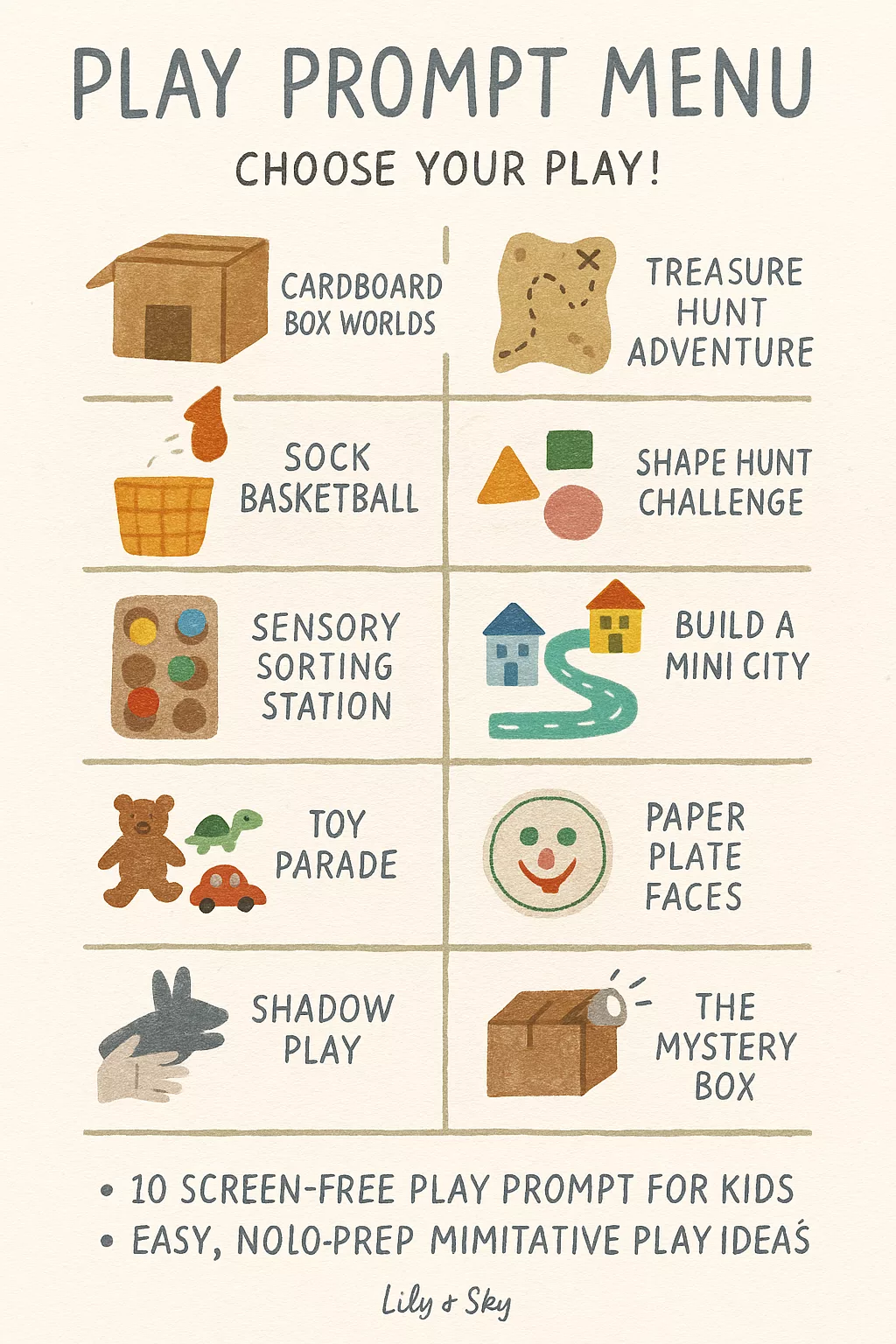
Helping Children Choose Their Play with Confidence and Calm
Some days, play flows naturally — kids wake up with big ideas, the living room transforms into a castle, and your kitchen quietly turns into an art studio.
But other days? You hear “I don’t know what to do…” on repeat before you’ve even finished your coffee.
Here’s the truth: even play needs a bit of structure sometimes.
Not a tight schedule — just enough rhythm and choice to help kids find their flow again.
That’s where Visual Play Planners come in.
At Spoon & Sky, I believe in giving children simple tools for joyful structure — gentle frameworks that encourage independence, creativity, and calm. A Visual Play Planner does exactly that: it helps kids make their own choices about how to play, while keeping options clear and manageable.
🌿 What Is a Visual Play Planner?
A Visual Play Planner is a visual guide — a simple board, printable, or chart — that shows play options through pictures or icons.
It helps kids choose what to play without overwhelm.
For example:
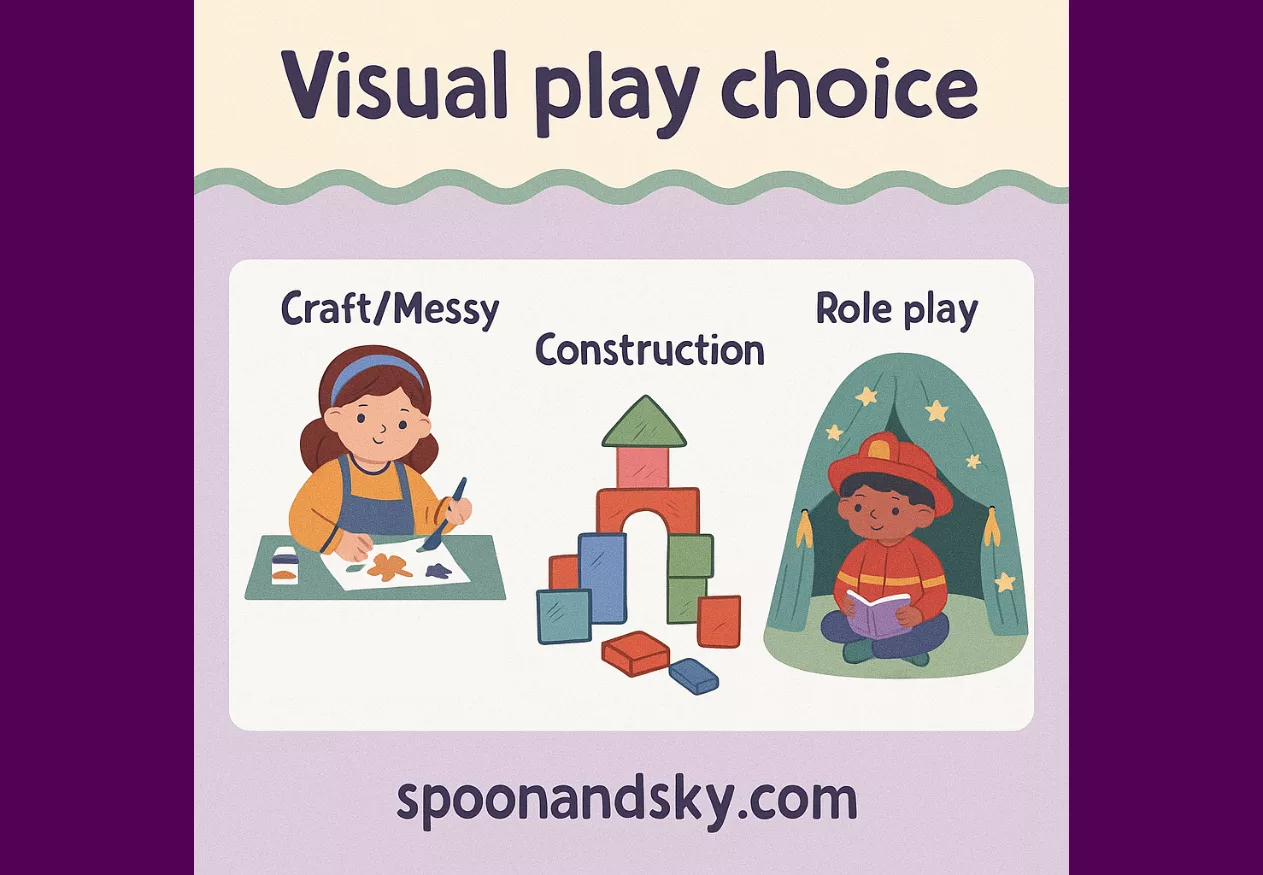
🖍️ Craft or Messy Play
🧱 Construction & Building
🎭 Role Play & Imaginative Play
📚 Quiet or Reading Time
🌳 Outdoor Play
Kids can point, pick, or move their choice on the chart. This tiny bit of structure empowers them to make decisions, switch activities independently, and build focus — all while reducing the constant “What can I do now?” loop that drives parents up the wall.
🧠 Why Visual Planners Work So Well
Children thrive when the world feels predictable. Visual tools make that predictability visible.
They work because they:
- Support independence: Kids see their choices and take ownership.
- Reduce overwhelm: Fewer decisions = less stress for little brains.
- Encourage balance: Mixes creativity, movement, and calm play.
- Empower transitions: Switching activities feels smoother.
- Invite self-regulation: Kids learn when they need quiet vs. movement.
Visual planners give children the language — and the autonomy — to say, “I need to move my body” or “I feel like building today.”
✨ The Spoon & Sky Play Choice Framework
The key to a successful Visual Play Planner is balance — a little of everything, just like your bento meals.
Here’s the Spoon & Sky model for creating a balanced play menu:
| Category | Type of Play | Benefits |
|---|---|---|
| 🎨 Craft & Messy Play | Art, painting, sensory trays | Creativity, fine motor, expression |
| 🧱 Construction & STEM | Lego, blocks, magnets | Problem-solving, logic, focus |
| 🎭 Role Play & Imaginative Play | Dress-up, dolls, pretend shops | Empathy, storytelling, social skills |
| 🚀 Movement & Outdoor Play | Obstacle courses, yoga, bike rides | Coordination, regulation, energy release |
| 📚 Quiet & Cozy Play | Reading, puzzles, music | Calm, focus, rest |
When you design your visual chart, aim for five core icons — one for each category.
🪄 Step-by-Step: How to Make a Visual Play Planner
1️⃣ Choose Your Format
- Printable board: Create a laminated chart with Velcro icons.
- Magnetic version: Stick icons to the fridge for easy swapping.
- Card system: Use individual cards kids can draw from a “play basket.”
The goal: keep it visual, simple, and accessible at your child’s height.
2️⃣ Pick 5–8 Play Options
Rotate every few weeks based on interest.
Here’s a ready-made starter list to mix and match:
Craft/Messy Play
- Painting
- Stickers & glue collage
- Playdough
- Water play
Construction/Building
- Lego
- Wooden blocks
- Cardboard boxes
- Magnetic tiles
Role Play & Imagination
- Toy kitchen
- Doctor or vet pretend kit
- Shopkeeper play
- Small-world scenes (dinosaurs, farm, town)
Movement & Outdoors
- Garden scavenger hunt
- Dance party
- Obstacle course
- Walk or scooter ride
Quiet & Cozy
- Reading corner
- Coloring pages
- Audio stories
- Puzzles or sorting games
🧡 Tip: Keep visuals realistic — photos or simple illustrations work best for younger children.
3️⃣ Teach the System Gently
Introduce your chart during a calm moment. Say something like:
“These are all the fun ways we can play. You can pick one, and when you’re done, we can choose something new.”
Use the same phrases daily so the system becomes familiar:
- “What play do you feel like today?”
- “You can pick one from the chart.”
- “Let’s move your picture when you’re finished.”
Kids soon learn to navigate playtime independently — a beautiful blend of freedom and gentle order.
4️⃣ Add Visual Prompts
For younger kids (ages 3–5), pair words + pictures:
- A photo of paint pots labeled Craft
- A Lego block photo labeled Build
- A teddy with a stethoscope labeled Pretend
For older ones, use icons or drawings they can color themselves — this adds ownership and engagement.
5️⃣ Create “Choice Time” Moments
Use the planner during specific parts of the day, like:
- After school wind-down
- Weekend mornings
- Rainy afternoons
- While you cook dinner or take a work call
These short, structured play bursts (20–30 minutes) help kids focus and transition smoothly.
🕯️ Example Flow:
- Choose from the Visual Play Planner.
- Play for 20–30 minutes.
- Tidy up and move your icon to “Done.”
- Choose a new category if time allows.
This mirrors how nurseries manage play — calm, clear, and empowering.
🎨 Step 6: Organize Spaces by Play Type
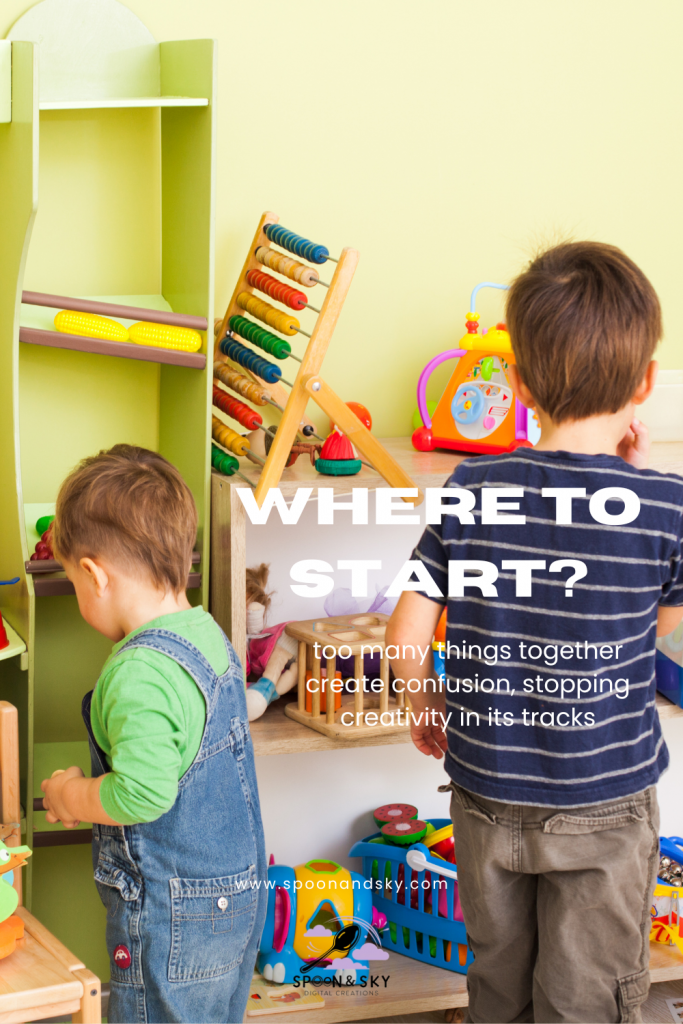
Check out this blog post on organizing play. To make this work smoothly, keep play materials stored near their category:
- Craft Zone: crayons, glue, scissors near paper.
- Construction Corner: Lego or blocks in labeled bins.
- Role Play Basket: costumes, pretend kits, accessories.
- Quiet Space: soft blanket, books, coloring pages.
Your child quickly learns: “When I choose Build, I go to this spot.”
This supports independence and reinforces the structure visually.
🌈 Step 7: Rotate & Refresh
Every few weeks, update your chart to include new favorites or seasonal themes:
- Autumn leaf crafts
- Winter baking play
- Spring garden shop
- Summer sensory water play
Rotation keeps curiosity alive and encourages trying new things without adding clutter.
🧃 Step 8: When to Use Play Planners
Visual play planners shine when:
- Kids are overstimulated or “bored”
- You’re working or need quiet focus time
- Siblings struggle to share or take turns
- You’re introducing independent play
Think of it as a calm guide — never a rigid rule.
🌸 Step 9: Extend the Learning
Pair your planner with simple reflection prompts at the end of the day:
- “What did you enjoy most today?”
- “What would you like to try tomorrow?”
This builds emotional awareness and planning skills — the heart of self-regulation.
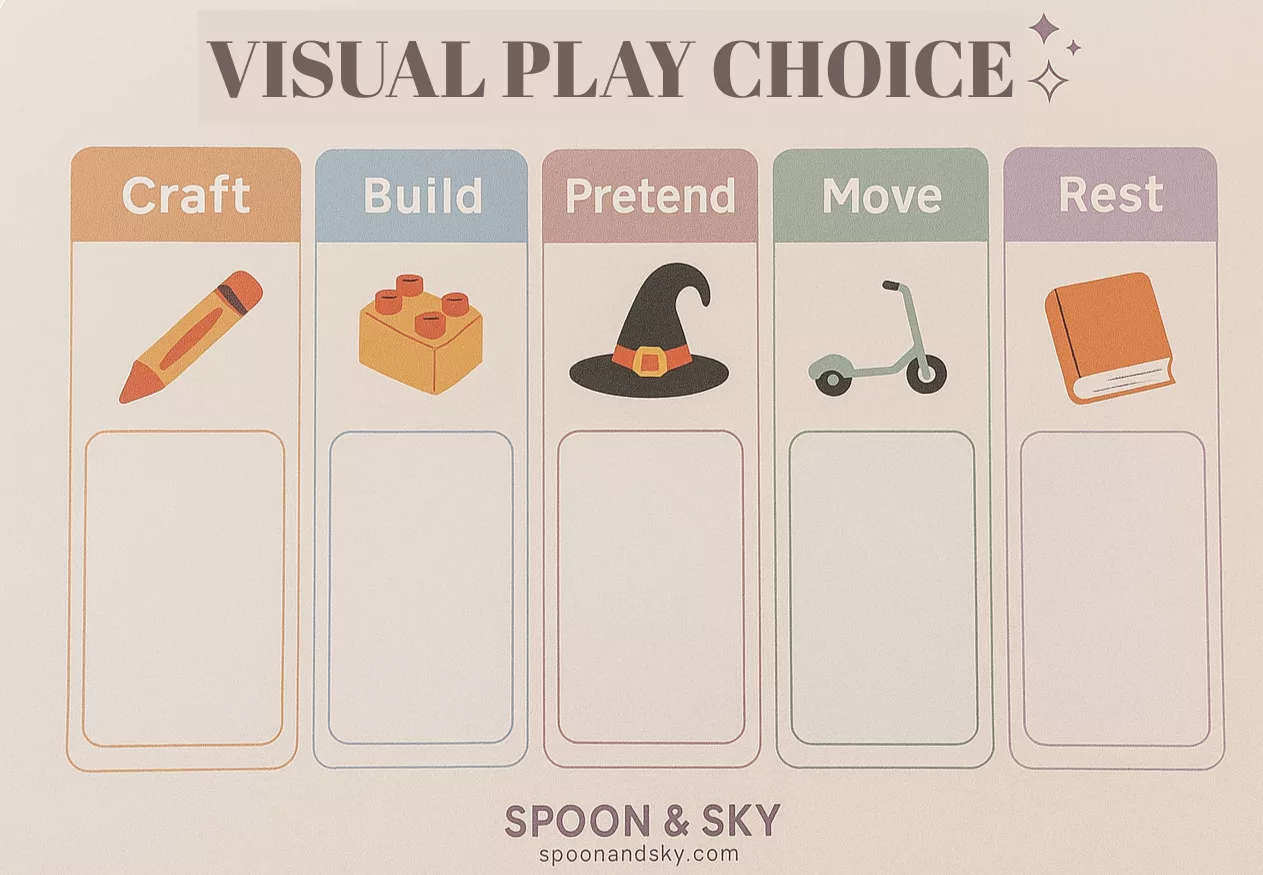
🪴 Step 10: The Spoon & Sky Free Printable
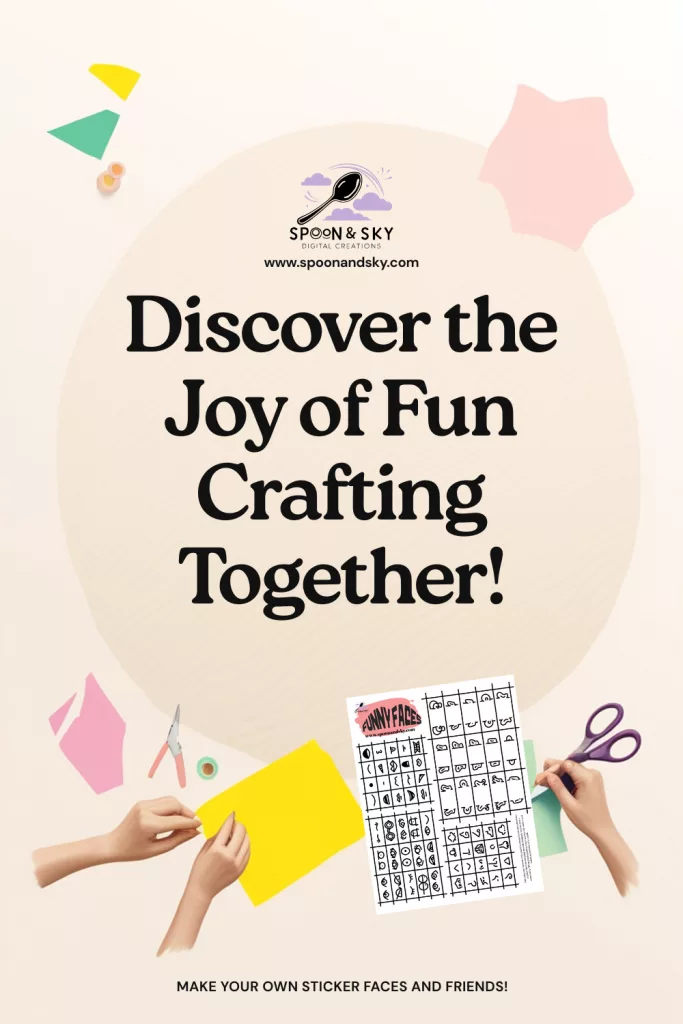
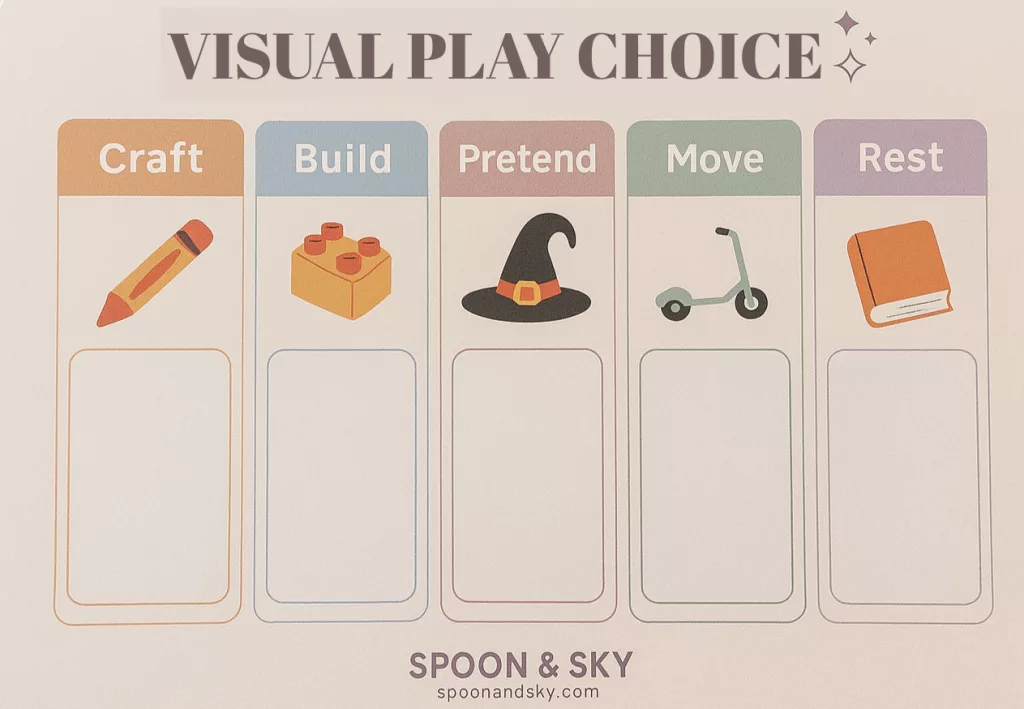
Download your Visual Play Choice Planner — a beautiful, soft pastel chart featuring:
- Five play category icons (Craft, Build, Pretend, Move, Rest)
- Spaces for your child to move their choice
- Room for you to write or draw your own categories
Perfect for parents who want calm, independent play without micromanaging.
🕊️ Final Thoughts
When you give children the tools to choose their own play, you’re giving them confidence, balance, and peace.
You’re teaching them that choice can live inside structure — that freedom doesn’t mean chaos.
And on the days when everything feels a little too loud or too much, you can point to that board, smile, and say,
“What kind of play would you like right now?”
With stickers on my sleeve and cardboard towers in the living room,
Lily Luz — Spoon & Sky


✨ Get Your Free Printable ✨
Looking for a simple way to bring a little more calm, structure, or creativity into your day?
Enter your email below and get instant access to your free printable from Spoon & Sky — made to spark joy, imagination, and gentle rhythms at home. 🌿
We’ll send your printable and a few kind, helpful ideas to your inbox. No spam — just calm, creative family tools.
Leave a Reply